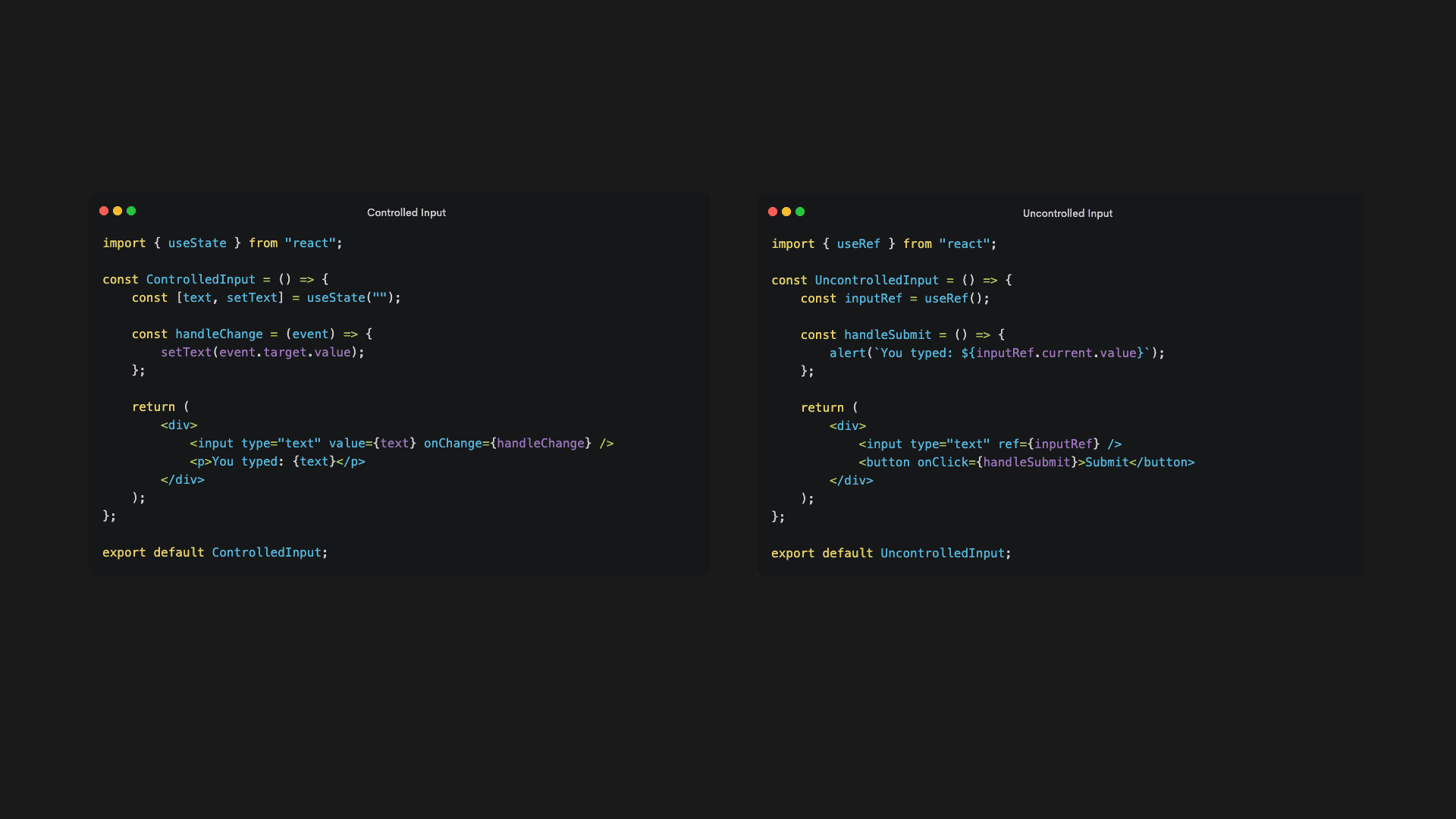
In React, form elements like input, textarea, and select can be handled in two ways:
1️⃣ Controlled Components → React manages the form state.
2️⃣ Uncontrolled Components → The DOM manages the form state.
🔹 1. Controlled Components (React Controls the State)
A Controlled Component is a form element whose value is controlled by [[React state]].
✅ Example: Controlled Input
import { useState } from "react";

const ControlledInput = () => {
    const [text, setText] = useState("");

    const handleChange = (event) => {
        setText(event.target.value);
    };

    return (
        <div>
            <input type="text" value={text} onChange={handleChange} />
            <p>You typed: {text}</p>
        </div>
    );
};

export default ControlledInput;
📌 How it Works:
- The input field's value is stored in React state (
text). - React updates the state on every
onChangeevent. - The state (
text) controls the input field's value.
✅ Benefits of Controlled Components
✔ Single source of truth → The component state controls the value.
✔ Easier validation → You can enforce rules like length, format, etc.
✔ Real-time updates → Useful for live search, instant feedback, etc.
🔹 2. Uncontrolled Components (DOM Controls the State)
An Uncontrolled Component lets the DOM handle the form state, instead of React.
✅ Example: Uncontrolled Input (Using useRef)
import { useRef } from "react";

const UncontrolledInput = () => {
    const inputRef = useRef();

    const handleSubmit = () => {
        alert(`You typed: ${inputRef.current.value}`);
    };

    return (
        <div>
            <input type="text" ref={inputRef} />
            <button onClick={handleSubmit}>Submit</button>
        </div>
    );
};

export default UncontrolledInput;
📌 How it Works:
- The input field does not store its value in React state.
- Instead, React accesses the input value using
useRef(). - The value is only read when needed (e.g., on button click).
✅ Benefits of Uncontrolled Components
✔ Less re-rendering → Since state changes do not cause re-renders.
✔ Good for integrating with non-React code.
✔ Works well for simple forms where state management isn't needed.
🔹 Key Differences Between Controlled & Uncontrolled Components
| Feature | Controlled Component | Uncontrolled Component |
|---|---|---|
| State Storage | In React state (useState) | In DOM (useRef) |
| Handles Updates | React updates on every keystroke | DOM manages value |
| Accessing Value | value prop & onChange | ref.current.value |
| Performance | More renders (state updates) | Fewer renders (DOM handles it) |
| Validation & Formatting | Easier (state control) | Harder (requires manual checks) |
| Best Use Cases | Forms with live updates, validation, search | Simple forms, external libraries |
** When to Use What?**
✅ Use Controlled Components when:
✔ You need real-time validation.
✔ You need instant UI updates (e.g., live search).
✔ You want React to control all input data.
✅ Use Uncontrolled Components when:
✔ You need less re-rendering (better performance).
✔ You're integrating with non-React libraries.
✔ You just need a simple form with a submit button.
🔹 Summary
- Controlled Component → React fully manages input values (
useState). - Uncontrolled Component → The DOM stores values (
useRef). - Controlled is better for complex forms, Uncontrolled is better for performance.